
Note: This article is only for educational purpose. You can use this knowledge to increase your system’s security or for any ethical purpose.
Using Google Dorks For Hacking
Google is the most popular search engine on the internet right now. People use it to find their answers, images, videos, news and notes etc. But, did you know that the Google can also help hackers to find vulnerable targets and steal unauthorized information?. Google is as much helpful for hackers as any other general user.
Hackers use Google search engine to find Vulnerable systems (Be it a database, website, security cameras, or any IOT gadget) with the help of some special search queries. There are many Google search engine queries that can uncover vulnerable systems and/or sensitive information disclosures. These queries are known as Google Dorks.
What is Google Dork or Google Dorking?
In 2002, Johnny Long began to collect interesting Google search queries that uncovered vulnerable systems or sensitive information disclosures. He labeled them Google dorks. Some people call it Google hacking.
Google Dorking is the method for finding vulnerable targets using Google dorks. Google Dorking can return usernames and passwords, email lists, sensitive documents and website vulnerabilities.
Ethical Hackers use Google Dorking to improve system security. Black hat hackers use this technique for illegal activities, including cyber terrorism, industrial espionage, and identity theft.
Google dorks can find Footholds, Sensitive Directories, Vulnerable Files, Vulnerable Servers, Network or Vulnerability Data, Various Online Devices, Files Containing Usernames and Passwords, Sensitive Online Shopping Info and Pages Containing Login Portals.
List of Google Dork Queries
Google dork Queries are special search queries that can be searched as any other query you search on google search engine. You just need to type the query in Google search engine along with specified parameter.
1. Google Dorks For Hacking websites
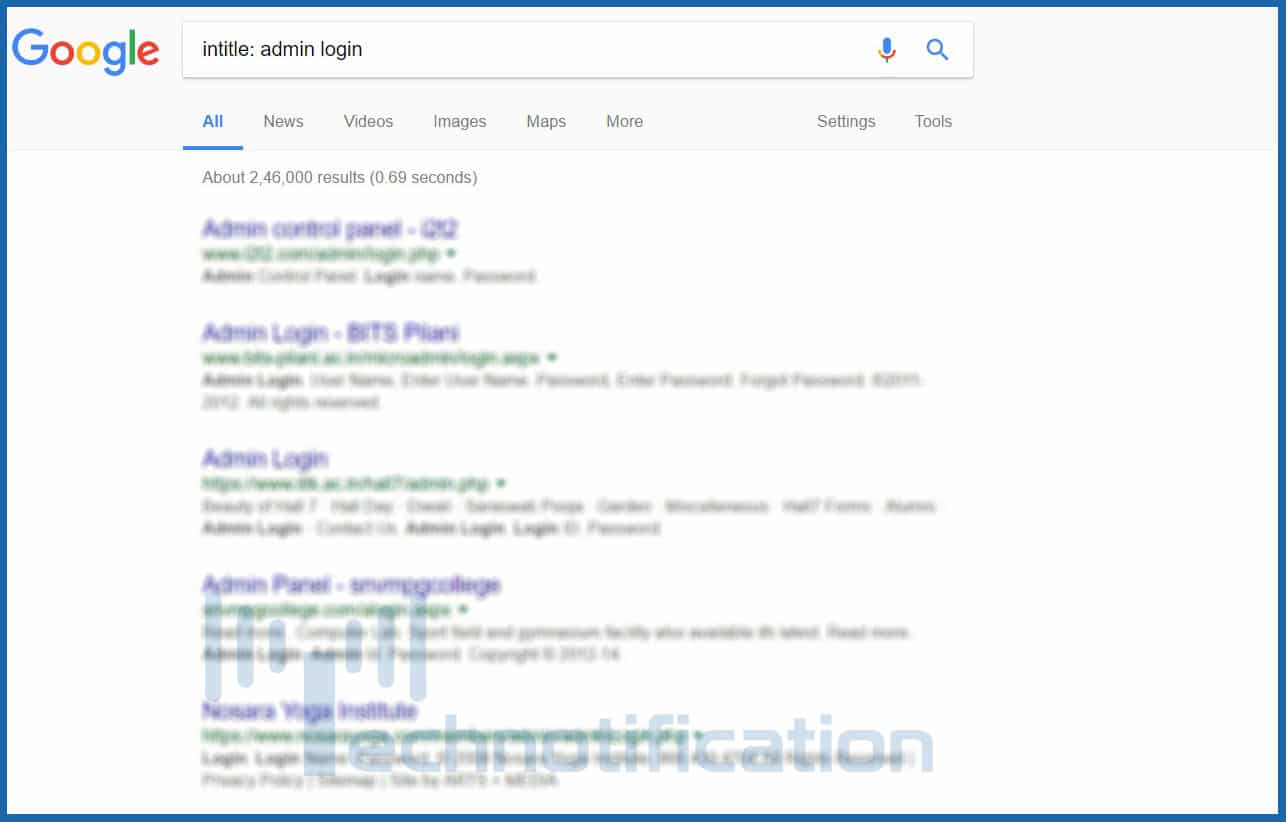
- intitle: This dork will tell Google to show only those pages that have the term in their HTML title. For example: intitle:”login page” will show those pages which have the term “login page” in the title text.
- allintitle: It is similar to intitle but looks for all the specified terms in the title. For example: allintitle:”login page”
- inurl: It searches for the specified term in the URL. For example: inurl:”login.php” and inurl:proftpdpasswd
- allinurl: It is similar to inurl but looks for all the specified terms in the URL. For example: allinurl:”login.php”.
- define: Google will define this message and will look for what had this error. For example: define:”sql syntax error”
- site: This dork will return all the pages of a particular website that is crawled by Google. For example, site:technotification.com.
- link: It will also look in the site for URLs that possibly are vulnerable to sql injection. For example: link:index.php?id=
2. Google Dorks For Hacking Files
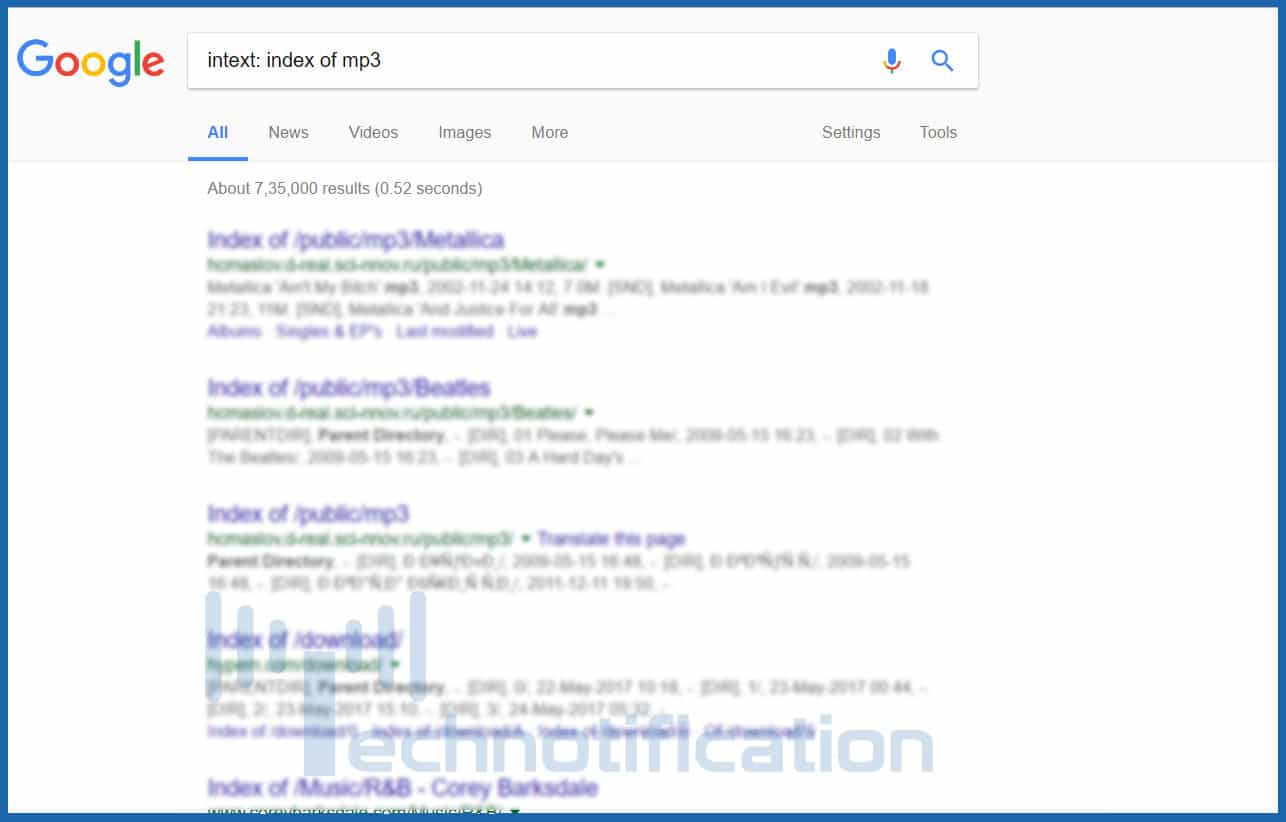
- filetype: Searches for specific file types. filetype:pdf will look for pdf files in websites.filetype:txt looks for files with .txt extension. This way you can search for a file with any extension like mp4, mp3, Mkv, etc. site:onedrive.live.com shared by
- intitle: You can look into file directories of websites directly and download specified file intitle: index of mp3 for mp3 files. You can replace mp3 with any other extension. You can also use to find any particular movie or game. intitle: “index of ” intext: “movie name” .
- book: find any book using Google search engine. for example: book: java
3. Google Dorks for finding username and passwords
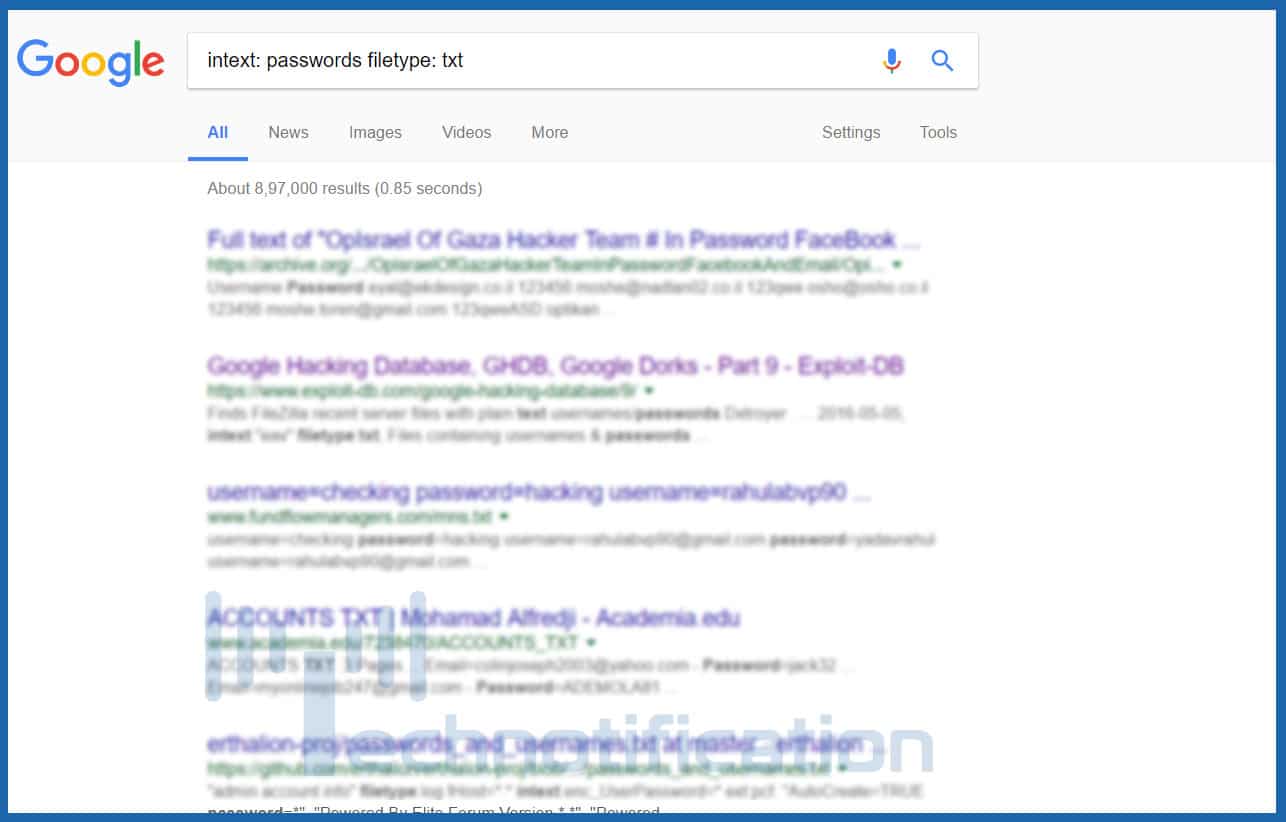
- intext: passwords filetype: txt
- mysql history files
- intext: account details filetype: txt
- intitle:index.of intext:”secring .skr”|&q…
- people.lst
- passwd
- master.passwd
- pwd.db
- htpasswd / htpasswd.bak
- htpasswd / htgroup
- spwd.db / passwd
- passwd / etc (reliable)
- config.php
- passlist
4. Google Dorks For Hacking Security Cameras
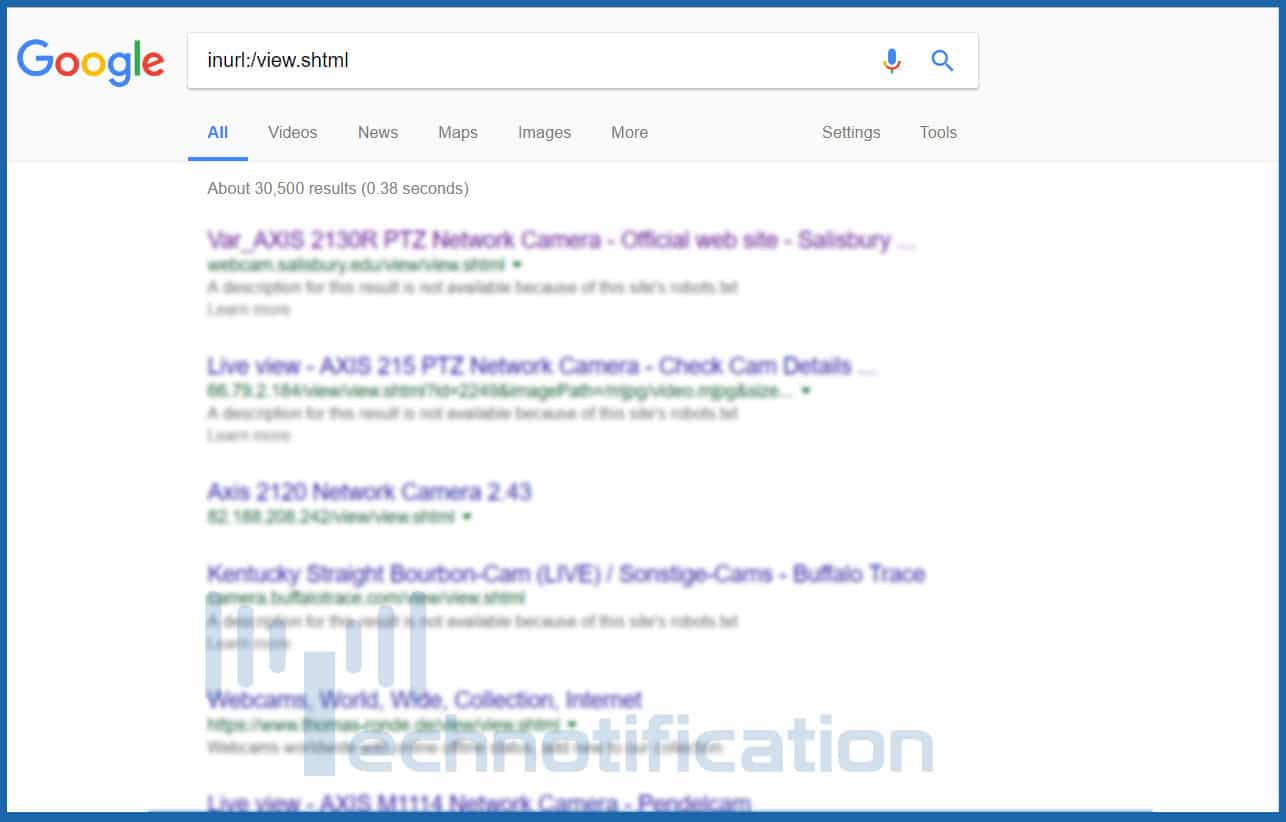
Type any of these queries into google to find vulnerable security cameras
- Inurl:”CgiStart?page=”
- inurl:/view.shtml
- intitle:”Live View / – AXIS
- inurl:view/view.shtml
- inurl:ViewerFrame?Mode=
- inurl:ViewerFrame?Mode=Refresh
- inurl:axis-cgi/jpg
- inurl:axis-cgi/mjpg (motion-JPEG) (disconnected)
- inurl:view/indexFrame.shtml
- inurl:view/index.shtml
- inurl:view/view.shtml
- liveapplet
- intitle:”live view” intitle:axis
- intitle:liveapplet
- allintitle:”Network Camera NetworkCamera” (disconnected)
- intitle:axis intitle:”video server”
- intitle:liveapplet inurl:LvAppl
- intitle:”EvoCam” inurl:”webcam.html”
- intitle:”Live NetSnap Cam-Server feed”
- intitle:”Live View / – AXIS”
- inurl:indexFrame.shtml Axis
These are the most common search queries used by the hackers. However, there is a big database of such queries available at HackersForCharity called Google Hacking Database. You can find more google dorks in this database.
Comments
Post a Comment
Say Something